Products/BFG Watch Faces


BFG Watch Faces
FreeTwelve engine-turned dials, ready to wear.
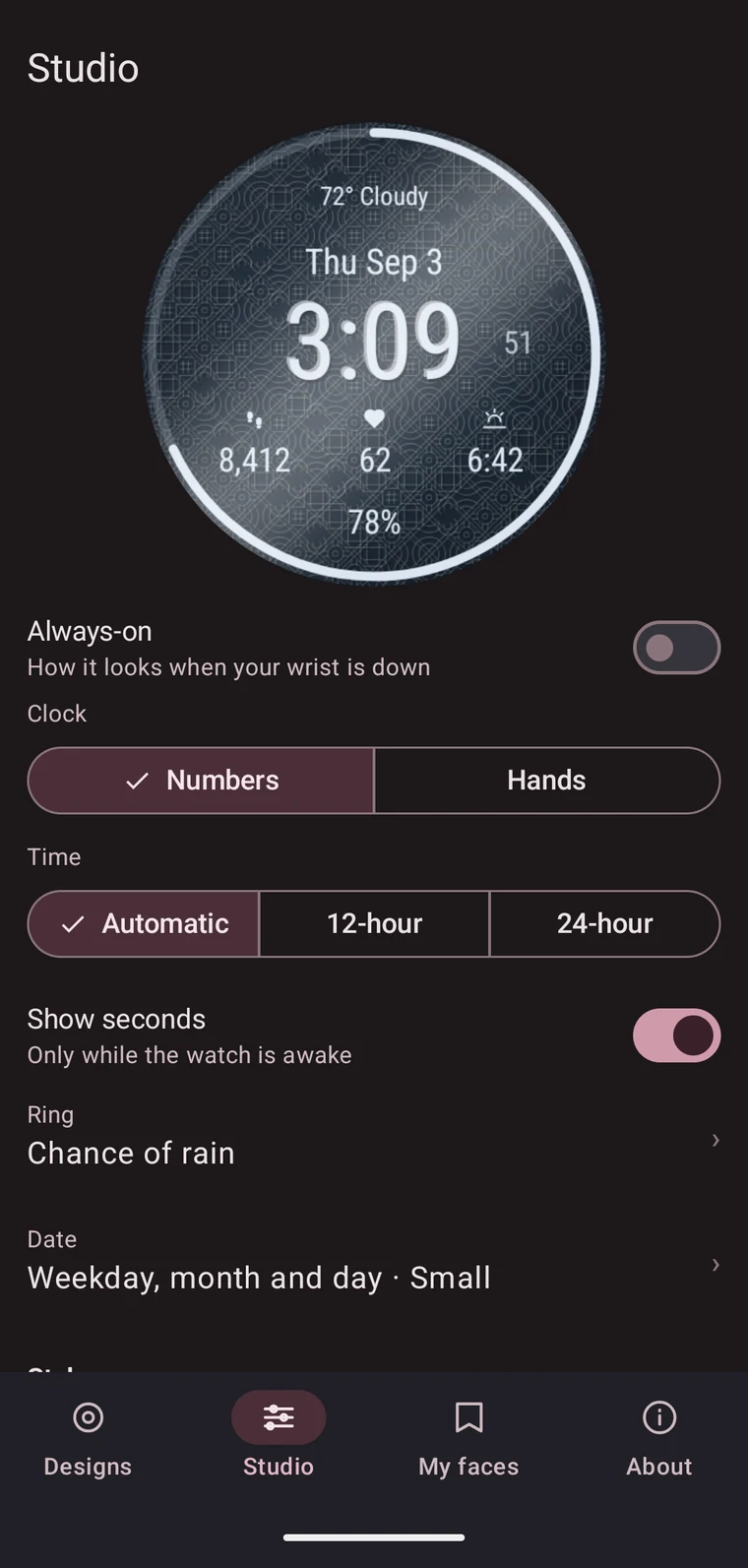
Pick one and send it to your watch — that is the whole first run. When you want something of your own, the Studio is there: choose a style, set your colours, and watch the dial redraw as you move each slider. Give it a name, and that name is what the face is called from then on.
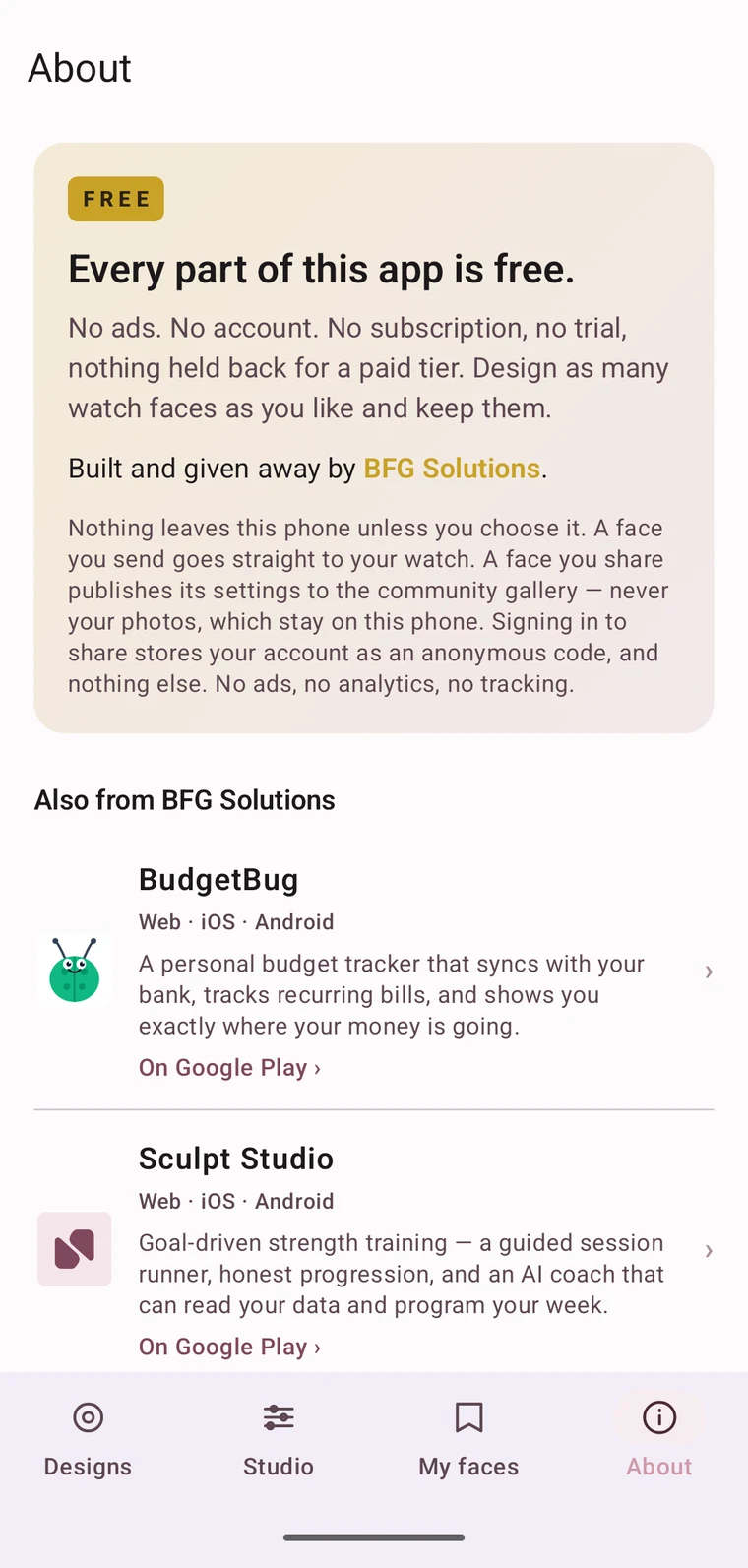
Every part of it is free. No ads, no account, no subscription, no trial, and nothing held back for a paid tier.
Coming to Google Play. You need a phone and a Wear OS 6 or newer watch — a Pixel Watch 4 or 5, or a recent Galaxy Watch. Faces are designed on the phone and sent to the watch app.
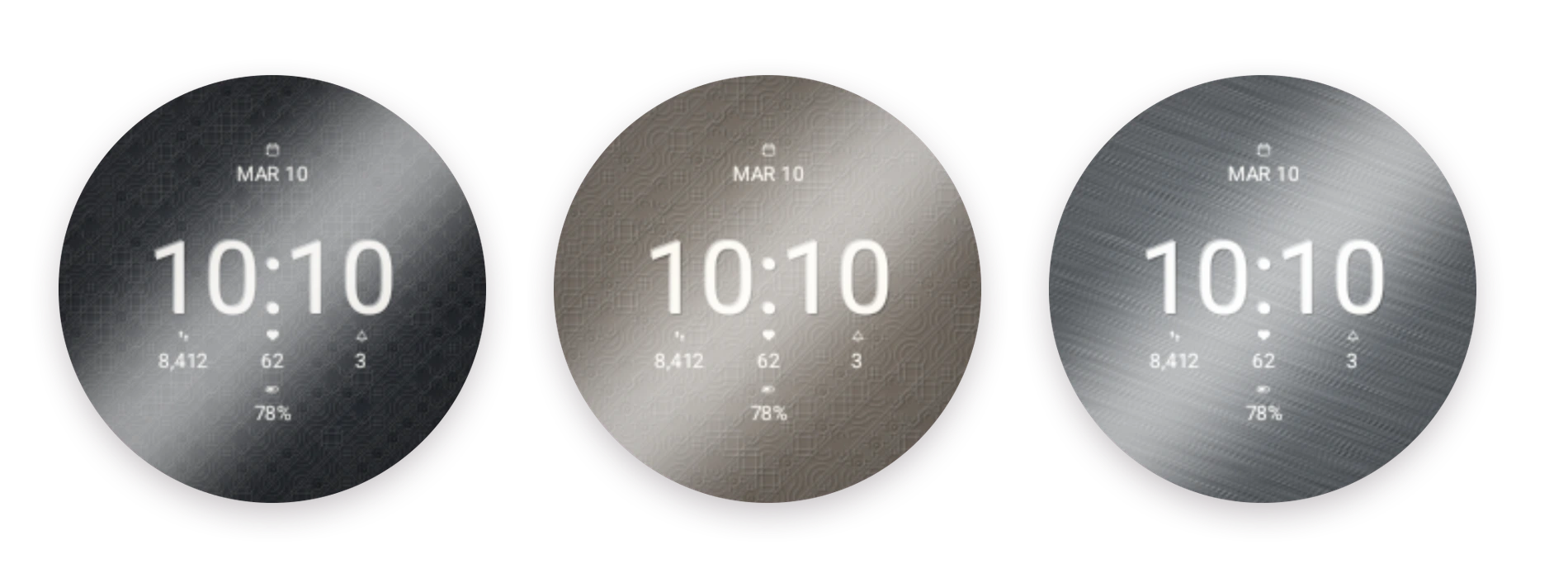
Wear one straight away
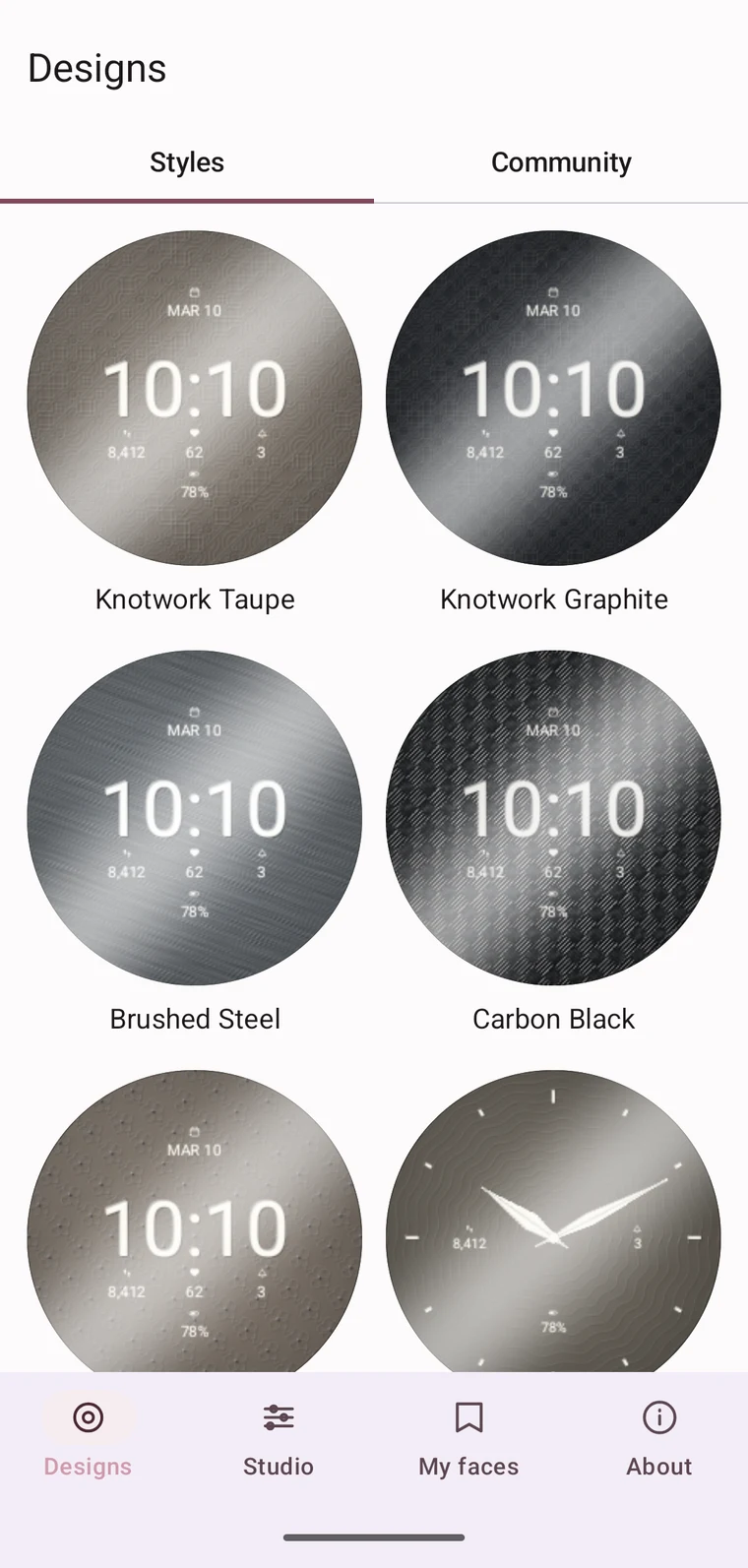
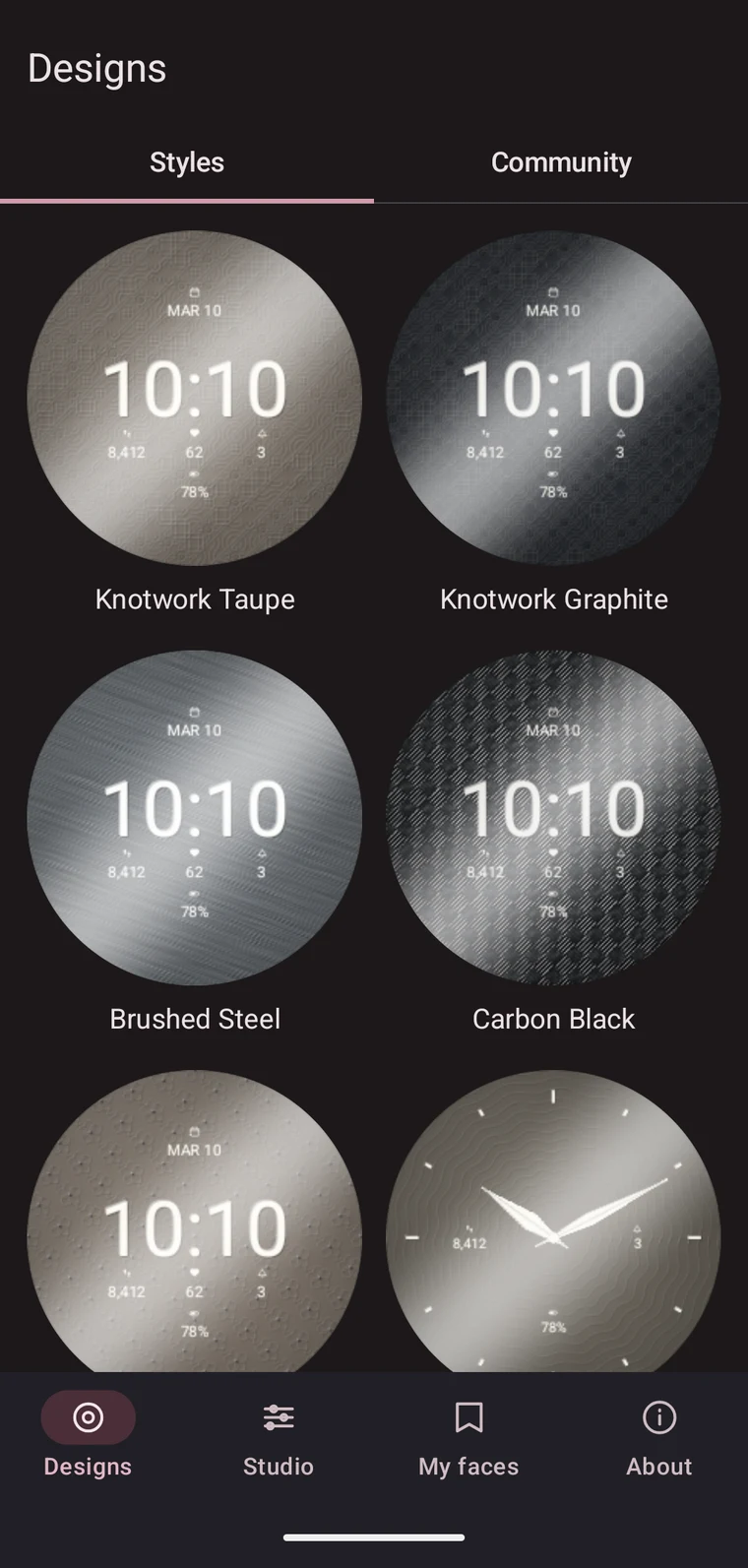
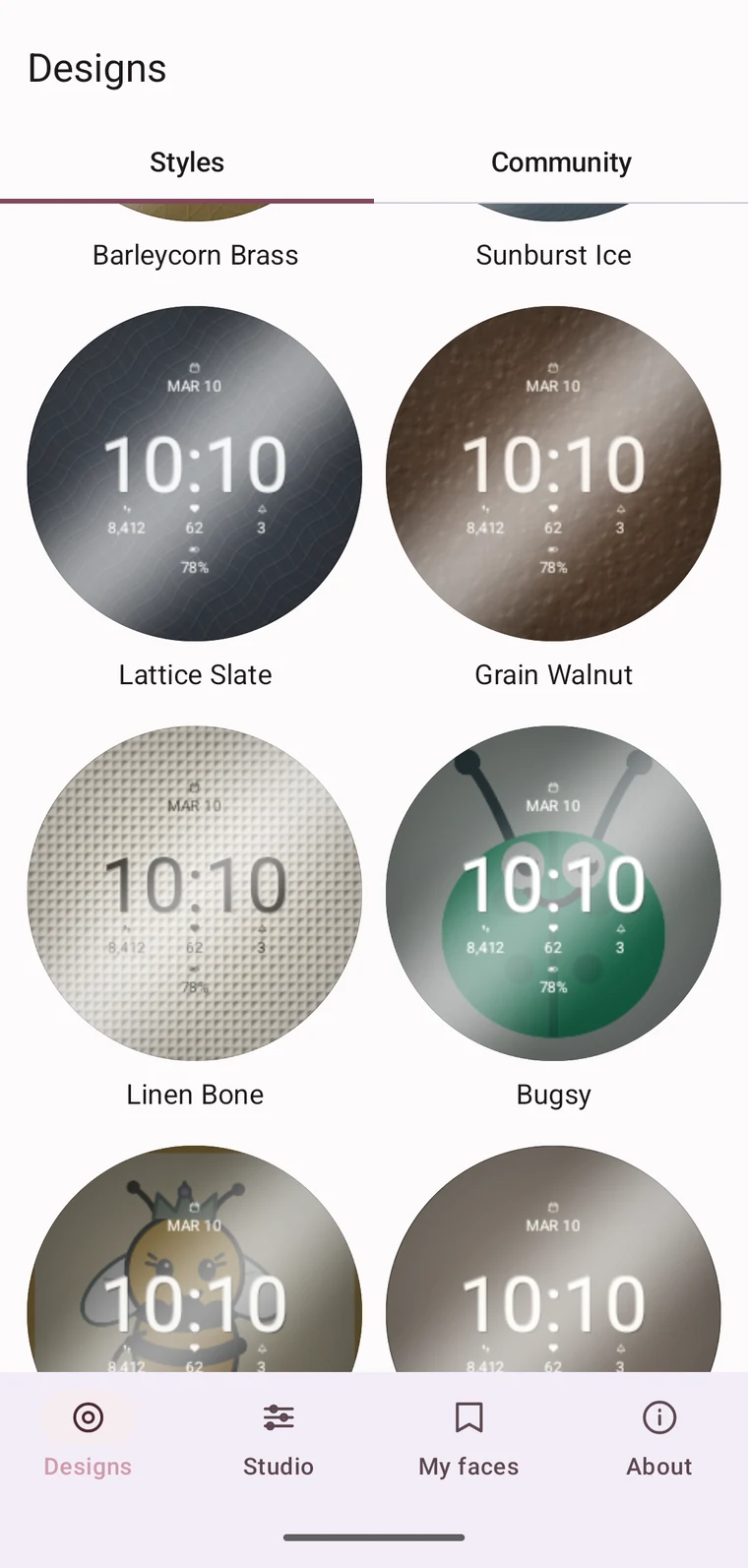
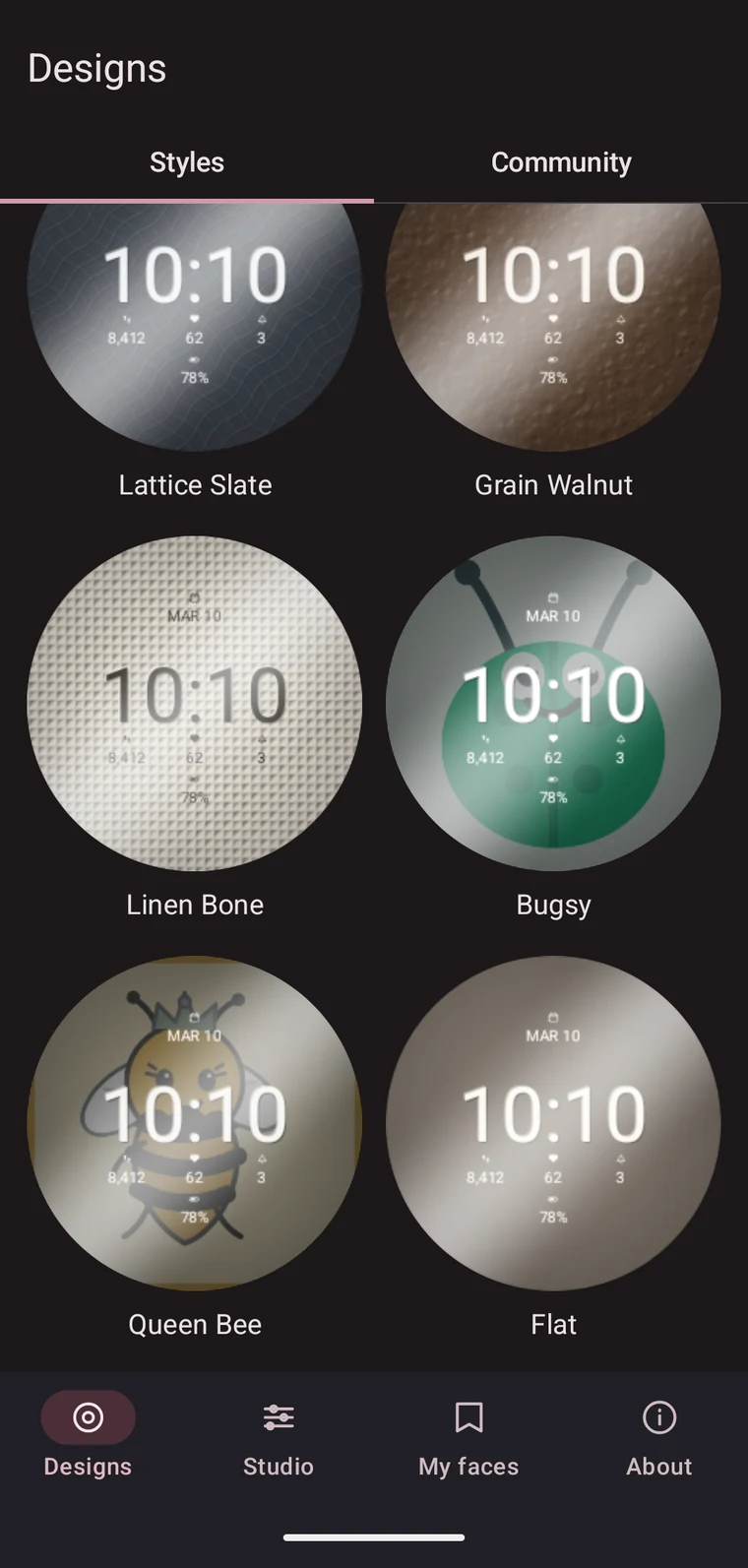
Twelve finished dials ship with the app, drawn with the same guilloché engines you get in the Studio. No setup, no design work — open Designs, pick one, send it.
- Knotwork Taupe
- Knotwork Graphite
- Brushed Steel
- Carbon Black
- Botanical Sand
- Clous de Paris
- Rosette Noir
- Barleycorn Brass
- Sunburst Ice
- Lattice Slate
- Grain Walnut
- Linen Bone
Alongside them: three analog hand styles, and the community gallery on the next tab, where other people’s designs arrive as a few kilobytes of settings each.
Or make one that is yours
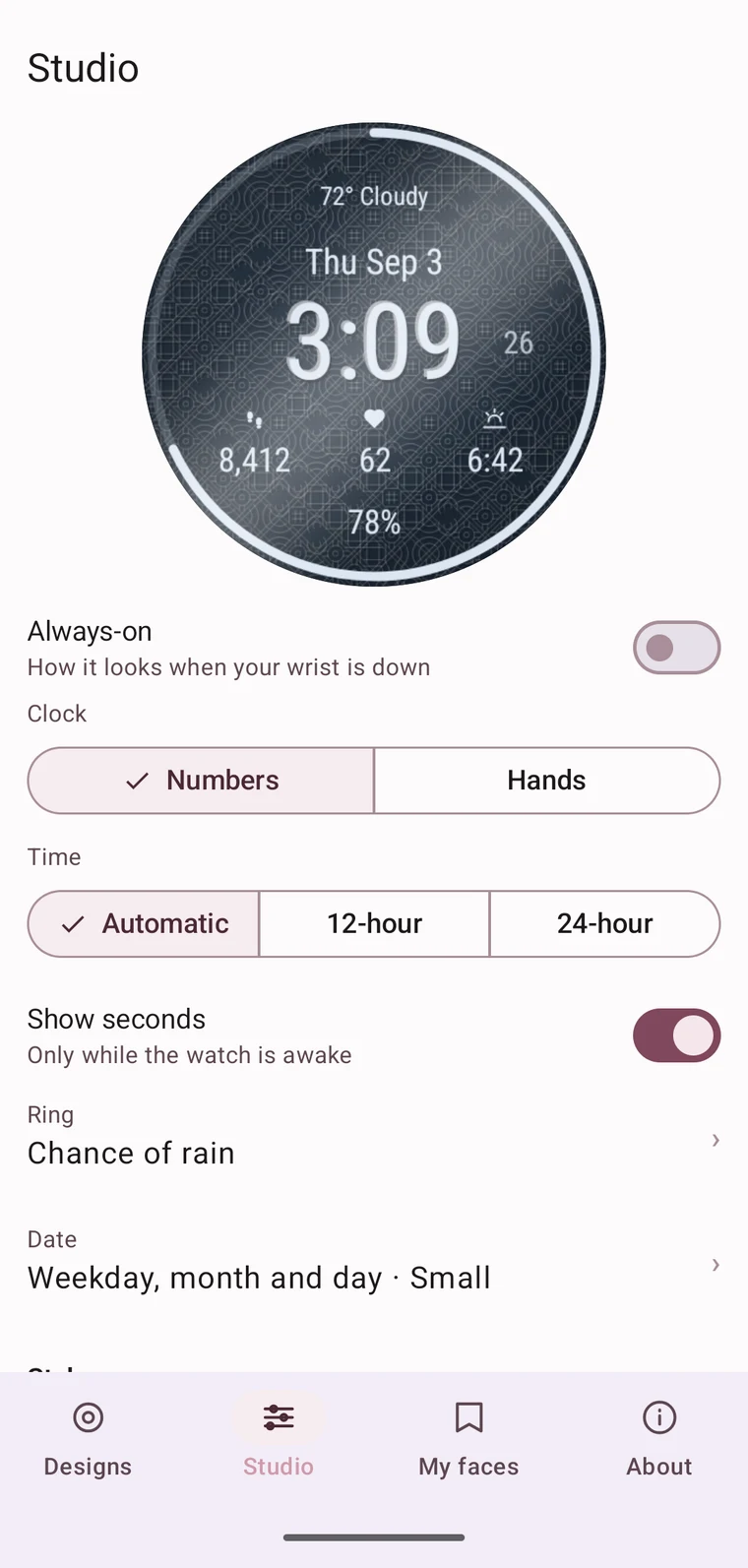
The Studio is the whole design surface, on the phone, against a live preview of the watch. Seven engine-turned patterns — rosette, barleycorn, clous de Paris, lattice, sunburst, botanical and knotwork — plus four quieter surfaces in grain, brushed, carbon and linen when a pattern is more than you want.
Patterns are drawn fresh from your settings every time rather than picked from a short list, so two people almost never end up with the same dial.
The house mascots
Two of the dials are ours. BudgetBug’s Bugsy and the Swarm Queen both ship as watch faces, sitting on the same engraved grounds as everything else. They are there because we wanted them on our own wrists.
Then it is just your watch face
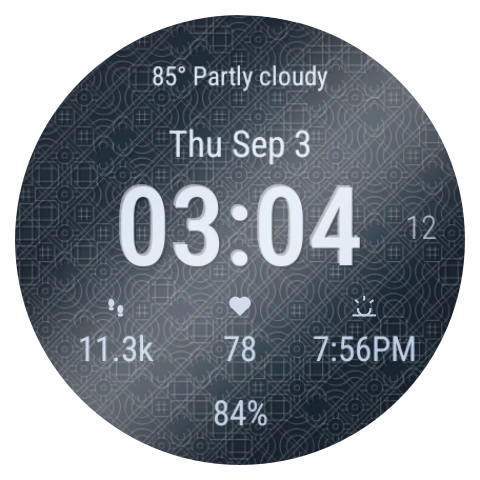
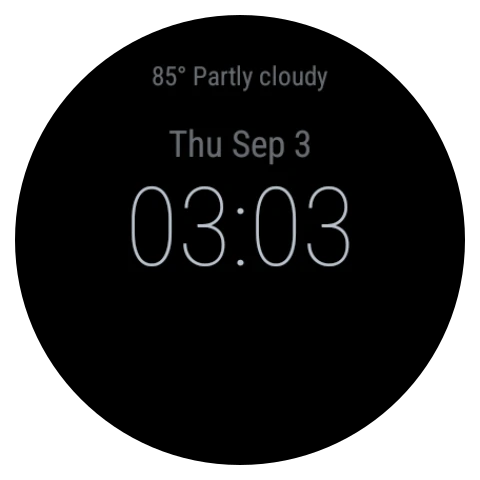
A finished face is a normal Wear OS watch face, built and installed on the device itself. It carries the name you gave it in the carousel, and it keeps working whether or not the phone is nearby.
Drop your wrist and it goes quiet: the engraving falls away and only what you need stays lit, so the dial costs almost nothing to leave on.
What it does
Every line is engraved, not printed
Each stroke is drawn three times — a light pass, a dark pass, and a fine one between them. That is what gives a real engraved dial its depth, and it is what gives this one its depth too.
Numbers or hands
Switch the clock between a numeral face and real analog hands. Three hand styles ship as dials of their own — Dauphine Ivory, Baton Steel and Skeleton Knot — each paired with a pattern that suits it.
Colours that are actually yours
Dial and ink are set independently. So are the pattern's scale and density, the sheen across the surface, and the shadow at the rim. Nothing is locked.
Complications where you want them
Steps, heart rate, battery, date, weather, world clock, your next event, sunrise and sunset, unread notifications, a favourite contact, or a shortcut to an app — placed in the slots around the dial.
Your own picture as the dial
Import an image and build the face around it. A face made from your photo is marked local-only and never leaves the phone — it cannot be published even by accident.
A face is a few kilobytes
Faces are stored as parameters rather than images, so one is a small piece of text you can share. The community gallery is built on the same format.
Free, and private by construction
Nothing leaves the phone unless you choose it. A face you send goes straight to your watch. A face you share publishes its settings to the community gallery — never your photos, which stay on the phone. Signing in to share stores your account as an anonymous code, and nothing else.
There are no analytics and no advertising libraries in the app at all. Step count and heart rate are read by the watch face on the watch, from the system’s own providers; they never reach this app. Sharing is optional and reversible — withdrawing a face removes it and the key that links it to you.
Open source & feedback
BFG Watch Faces is Apache 2.0 licensed. The generator, the design workbench and the watch app are all on GitHub, and the community catalog is a separate repository of shared faces — parameters only, a few kilobytes each. For everything else, email info@bfgsolutions.net.